Bookings and enrolment
Take trials, block bookings and term enrolments without a spreadsheet in sight.
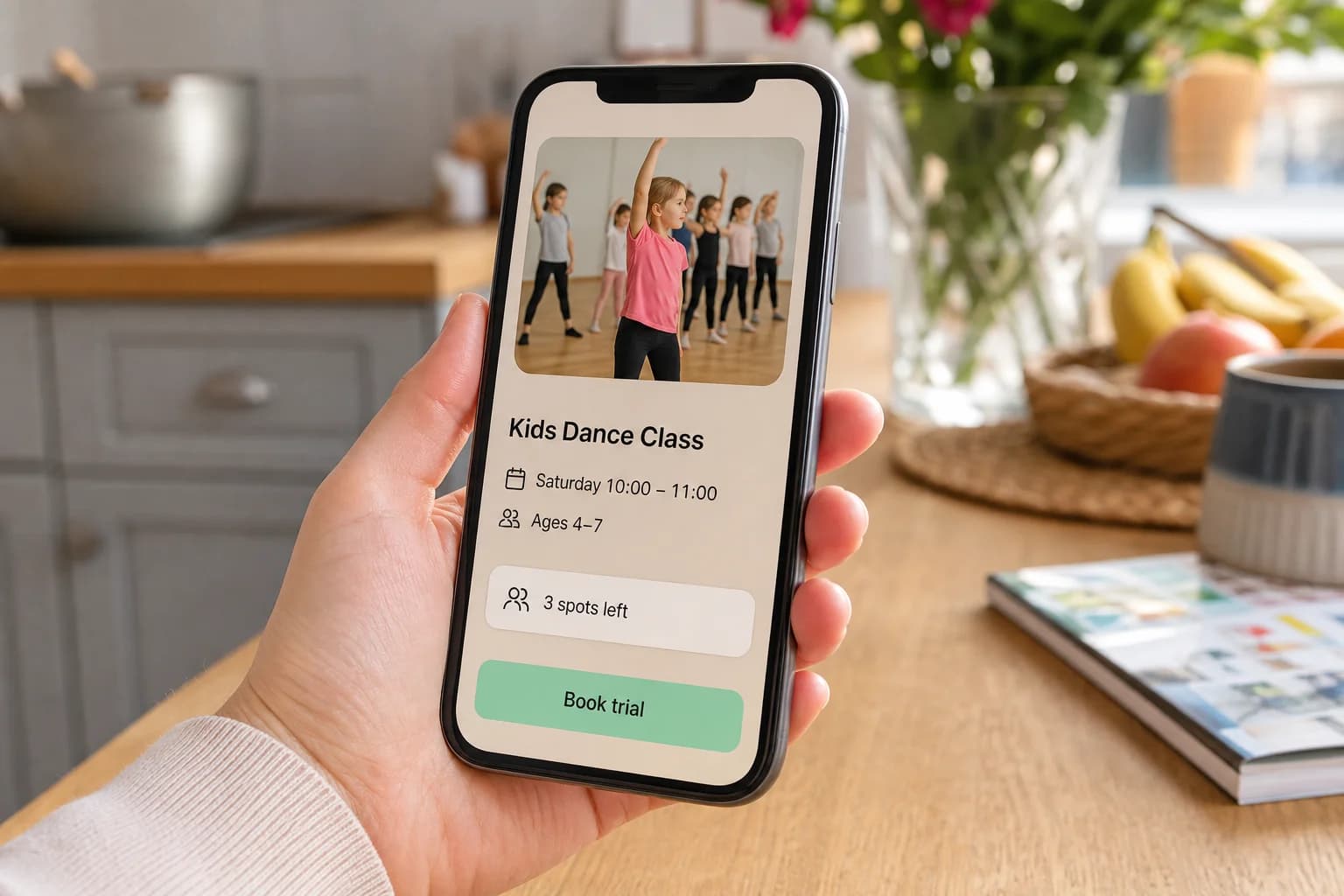
- Public class listings with live capacity
- Trials that convert into enrolments
- Waiting lists with ordered promotion
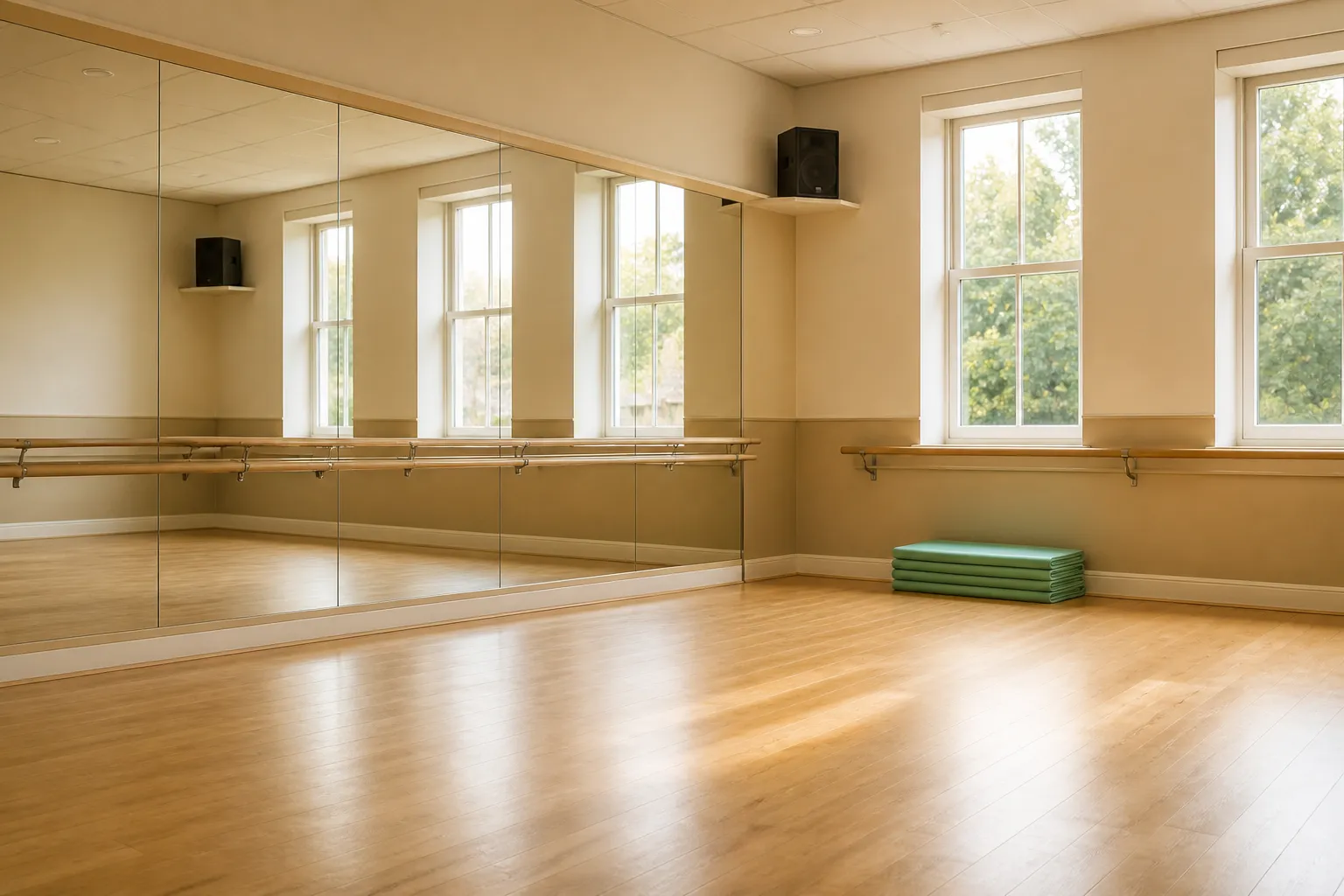
Built for activity providers
ClubLand brings bookings, enrolments, payments, registers and parent communication into one system — so your team spends its time teaching rather than chasing spreadsheets, inboxes and payment links.
The problem
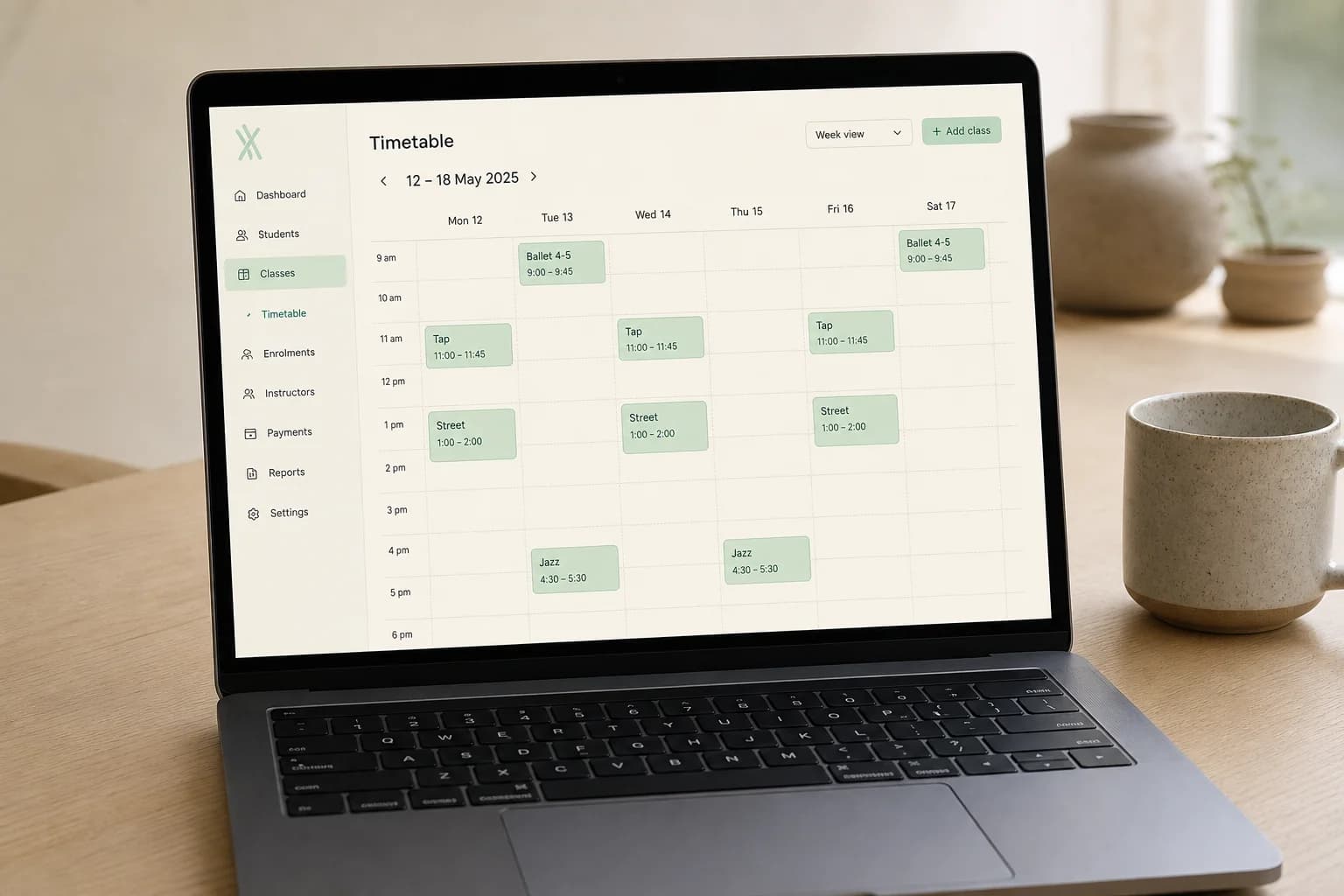
A booking form here, a spreadsheet there, a payment tool that knows nothing about your timetable, and an inbox holding the rest together. ClubLand replaces that with one record of the truth.
Core capabilities
ClubLand is being built around the work that actually fills a provider's week.
Take trials, block bookings and term enrolments without a spreadsheet in sight.
Recurring subscriptions, one-off fees and failed-payment recovery, kept separate from your class records.
Mark off a class from the side of the hall, on the device you already have with you.
Everything a responsible provider must know about a child, held once and available to the people running the class.
Reach the right families with the right message, and keep a record of what was sent.
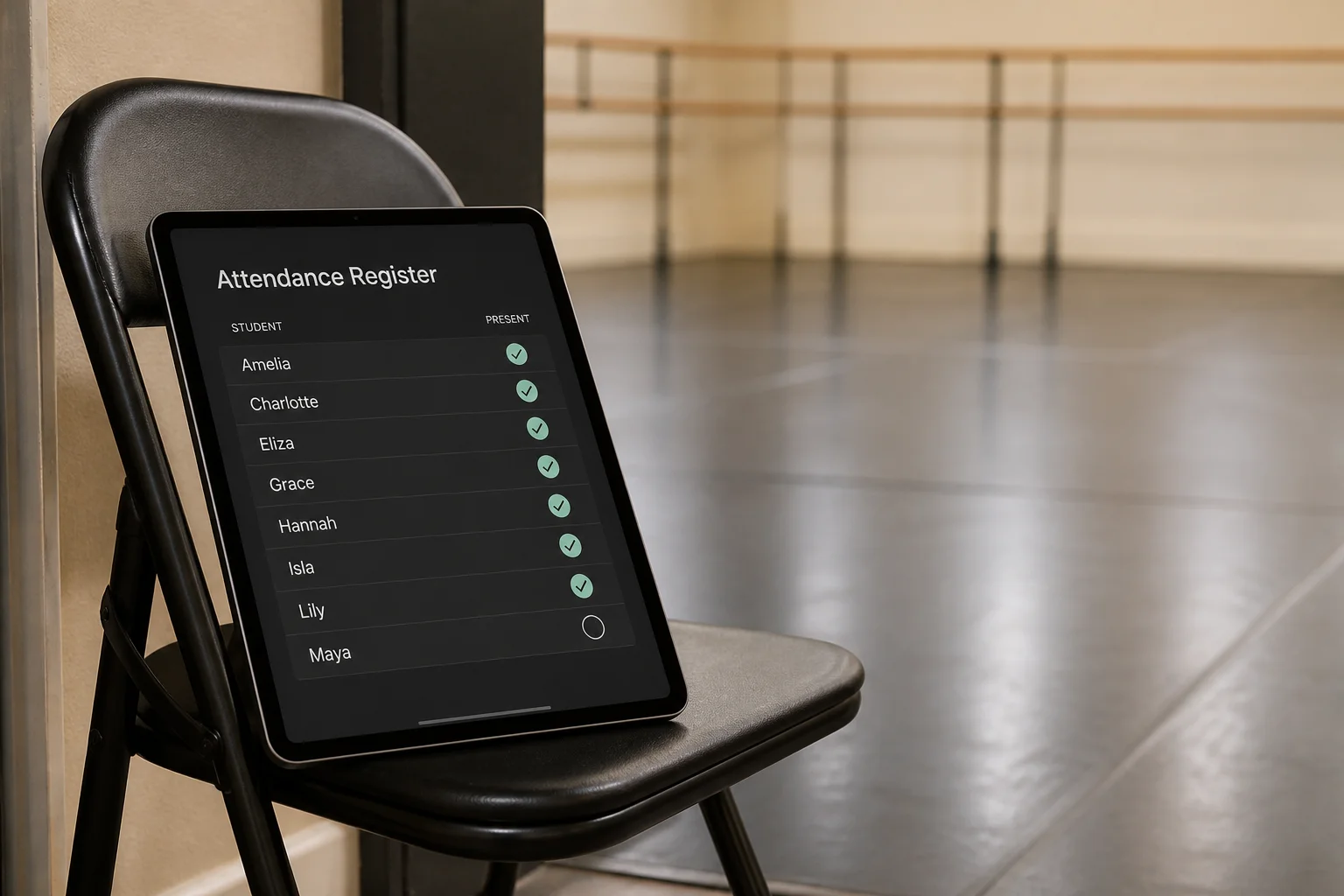
No laptop required. Open the register on your phone or tablet, mark attendance as students arrive, and the record is already saved.
Who it is for
Different activities, the same operational shape: terms, classes, attendees, registers, payments and parents.
Graded classes, multiple studios, show and exam seasons.
Age groups, squads, multi-venue sessions and pay-monthly memberships.
Levels, assessments, tight capacities and rolling intakes.
Small groups, one-to-one lessons and recurring billing.
Grading pathways, trials and progression tracking.
Short bursts of high-volume booking with day-by-day capacity.
For parents
Providers keep the relationship. Parents get somewhere sensible to manage it.
How it works
No migration project and no consultant. The aim is a provider up and taking bookings in an afternoon.
Add venues, terms and classes once. Your timetable becomes the source of truth for everything else.
Share your branded booking page or embed it in your existing website. Parents book trials and places themselves.
Take registers, manage waiting lists and message families without leaving the class you are teaching.
Subscriptions and one-off fees collect automatically, with failures surfaced before they become arrears.
ClubLand is in active development. If you run classes and you are tired of stitching tools together, we would like to build the first release with you.